
Lifestyle
SAFARICOM FIBRE INSTALLATION: 10 CHECKLIST BEFORE THE TECHNICIAN ARRIVES
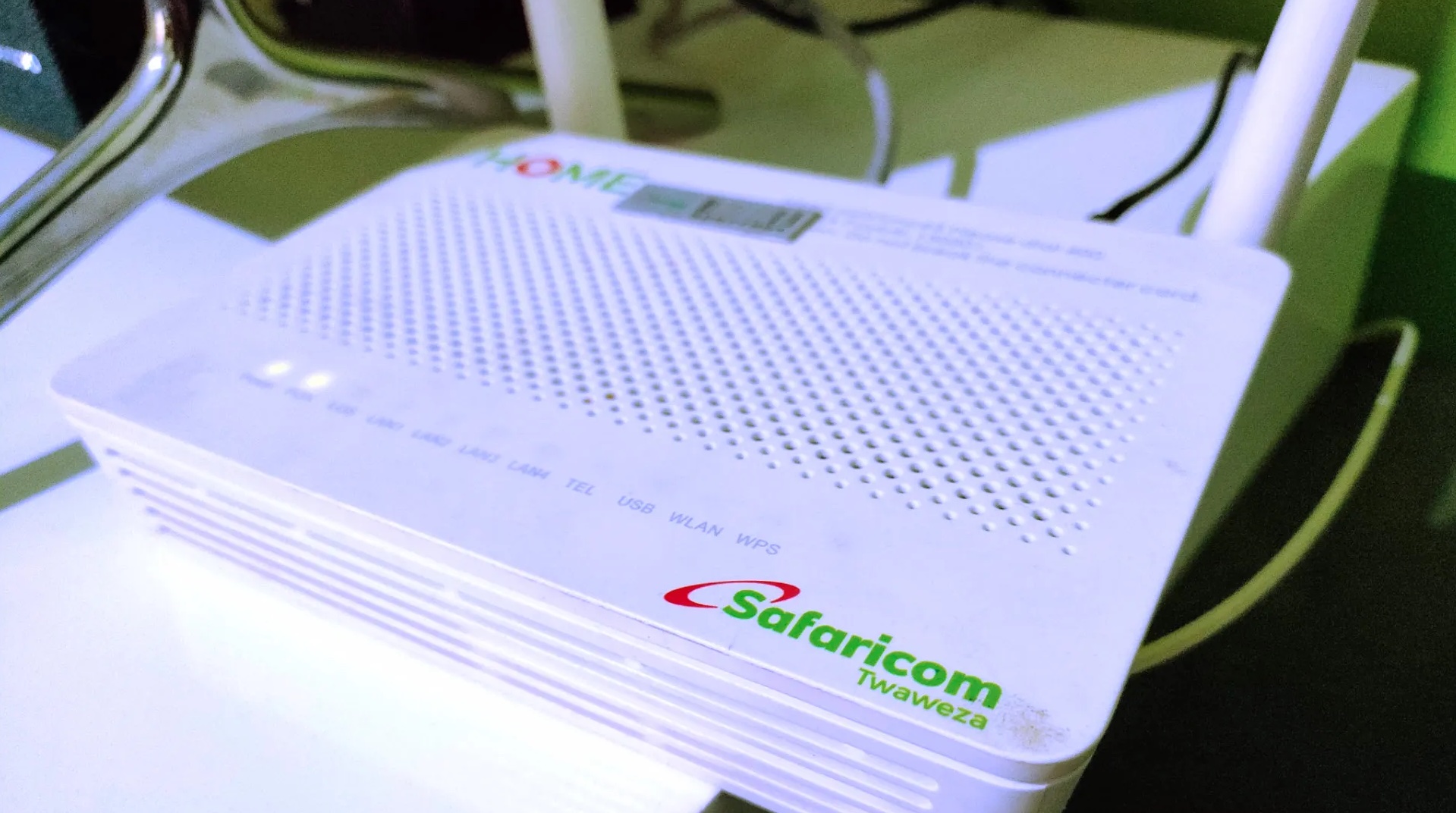
Getting fibre internet installed is exciting, but a smooth installation day doesn’t happen by chance. A bit of preparation on your end makes the entire process faster and hassle-free for everyone involved. Use this simple checklist to ensure your home is ready before the Safaricom technician arrives.
1. Confirm fibre is available at your plot
Before you get your hopes up, double-check that Safaricom Fibre has reached your area. You can do this quickly by using the online coverage map on their website or by calling their customer care. This simple step saves everyone’s time.
2. Arrange access for the technician
Let your estate manager or security guards know that a technician is coming on that day. Provide them with the technician’s details and any necessary access codes for gates or doors. This prevents them from being turned away at the gate.
3. Clear the path to your house
The installer will need to bring cables to your home. Make sure the pathway from the road or street to your house is clear. Trim any overgrown bushes or trees and move items like parked cars, bins, or children’s toys that might be in the way.
4. Choose where you want the router
Think about which room you use the internet the most, probably the sitting room or your home office. That’s the best place for the fibre router. Make sure there’s a power socket nearby and some free space on a shelf or table for the device.
5. Secure your pets
For the safety of both your animals and the technician, please keep your dogs or other pets secured in a different room or outside during the installation. This helps everyone stay calm and focused on the job.
6. Someone must be at home
An adult (18 years or older) must be present throughout the entire installation process. They will need to grant access, answer questions, and approve the final setup.
7. Sort out old internet connections
If you are switching from another internet provider, remember to officially cancel that service yourself. Don’t assume the new installation will automatically cancel it for you, as you might end up being billed twice.
8. Protect your belongings
The installation might involve a small amount of drilling or lifting cables. It’s a good idea to temporarily remove any valuable or fragile items from the immediate work area to keep them safe from dust or accidental bumps.
9. Have your smartphone ready
The technician will likely need you to connect to the new Wi-Fi network on your phone to test the speed and ensure everything is working perfectly before they leave.
10. Ask questions
Don’t be shy! The technician is there to help. If you are unsure about where something is being placed or how something works, just ask. It’s much easier to clarify during the installation than to fix it later.
By following this checklist, you’ll make the installation process fast and easy for both yourself and the technician. Welcome to the Safaricom Fibre family.