

Tech
Capture the Night: Why Samsung Galaxy A37’s Night Mode is Your Secret Weapon
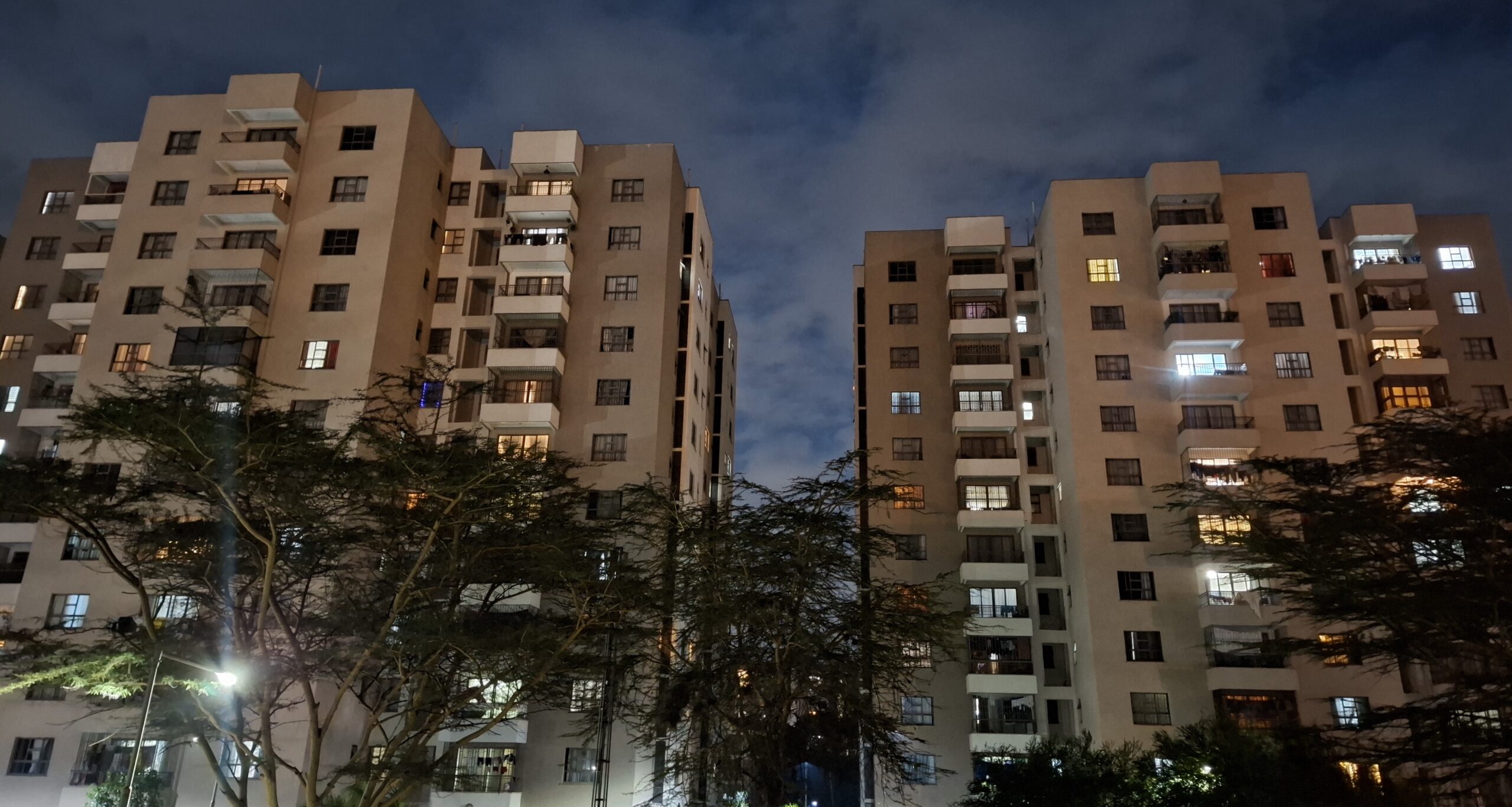
Let’s be real, most of our favourite memories don’t happen in perfect lighting. Whether it’s a late-night nyama choma session with friends, a concert, an evening walk along the coast, or a family gathering during the festive season, these moments usually happen when the sun has already clocked out. And that’s exactly where smartphone cameras have traditionally let us down. You either get a dark image, too much noise, blurry subjects, or all three at once.
But here’s the good news: Don’t let the fact that it’s dark ruin your chance to capture unforgettable moments. Samsung Galaxy devices have an incredible range of camera modes perfect for every occasion and when it comes to taking epic shots at night, you have everything you need in Night Mode.
The Samsung Galaxy A37 brings Samsung’s renowned Nightography feature to an even more accessible price point, proving that great low-light photography doesn’t have to cost a fortune. Here, we explore Nightography in all its illuminating glory and explain why Night Mode is the best camera setting to choose for exceptional low-light images.
What Does Night Mode Actually Do?
A common misconception is that Night Mode simply makes a dark image brighter. In reality, there’s a lot more happening behind the scenes than you’d think.
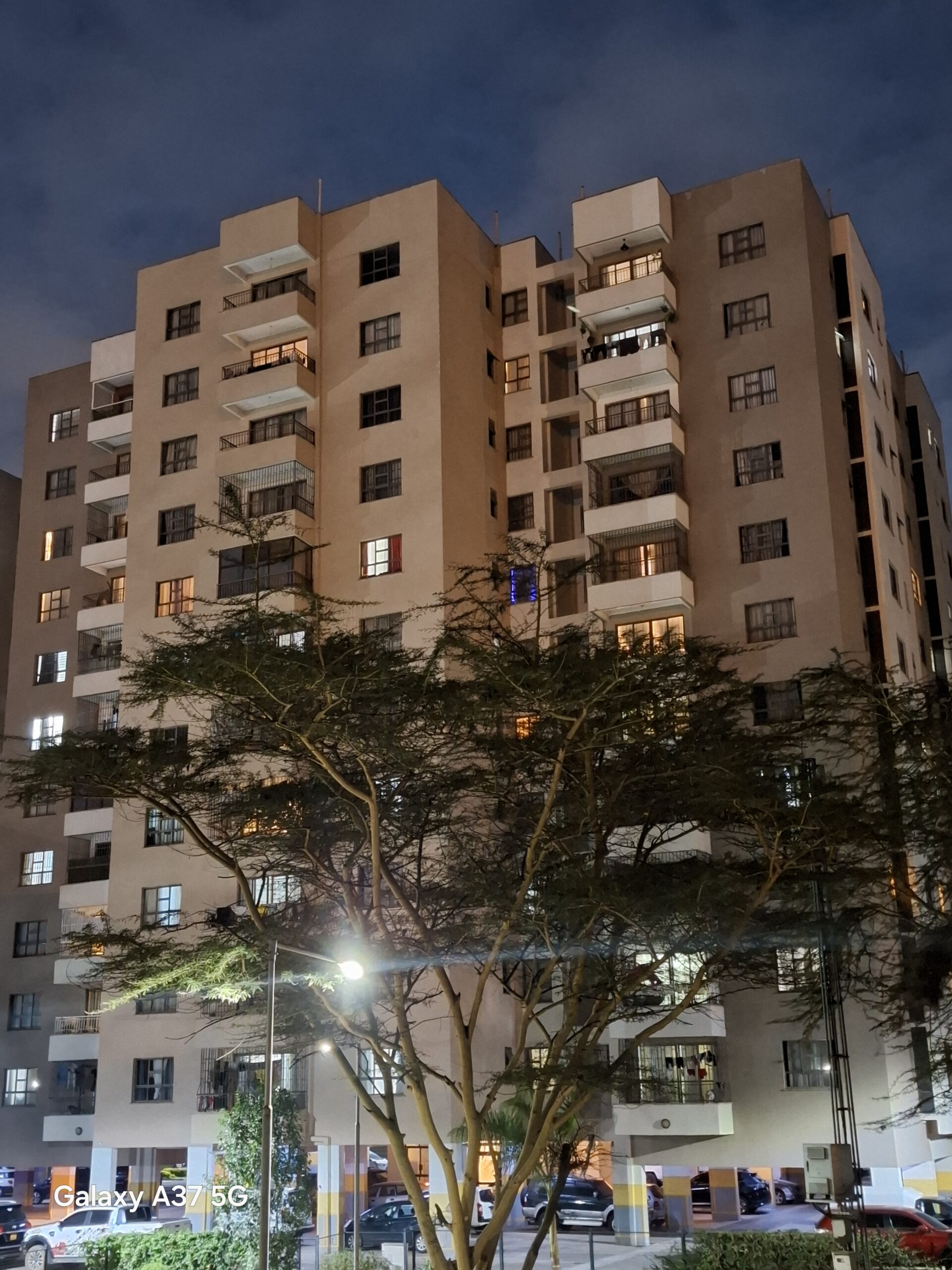
Night Mode is a smartphone feature that enables you to take vivid, highly optimised photos, even in the dark. Meaning you can avoid taking washed-out, blurry night images. Pictures look sharp due to the innovative AI multi-frame processing, optimising colour and detail in every pixel.
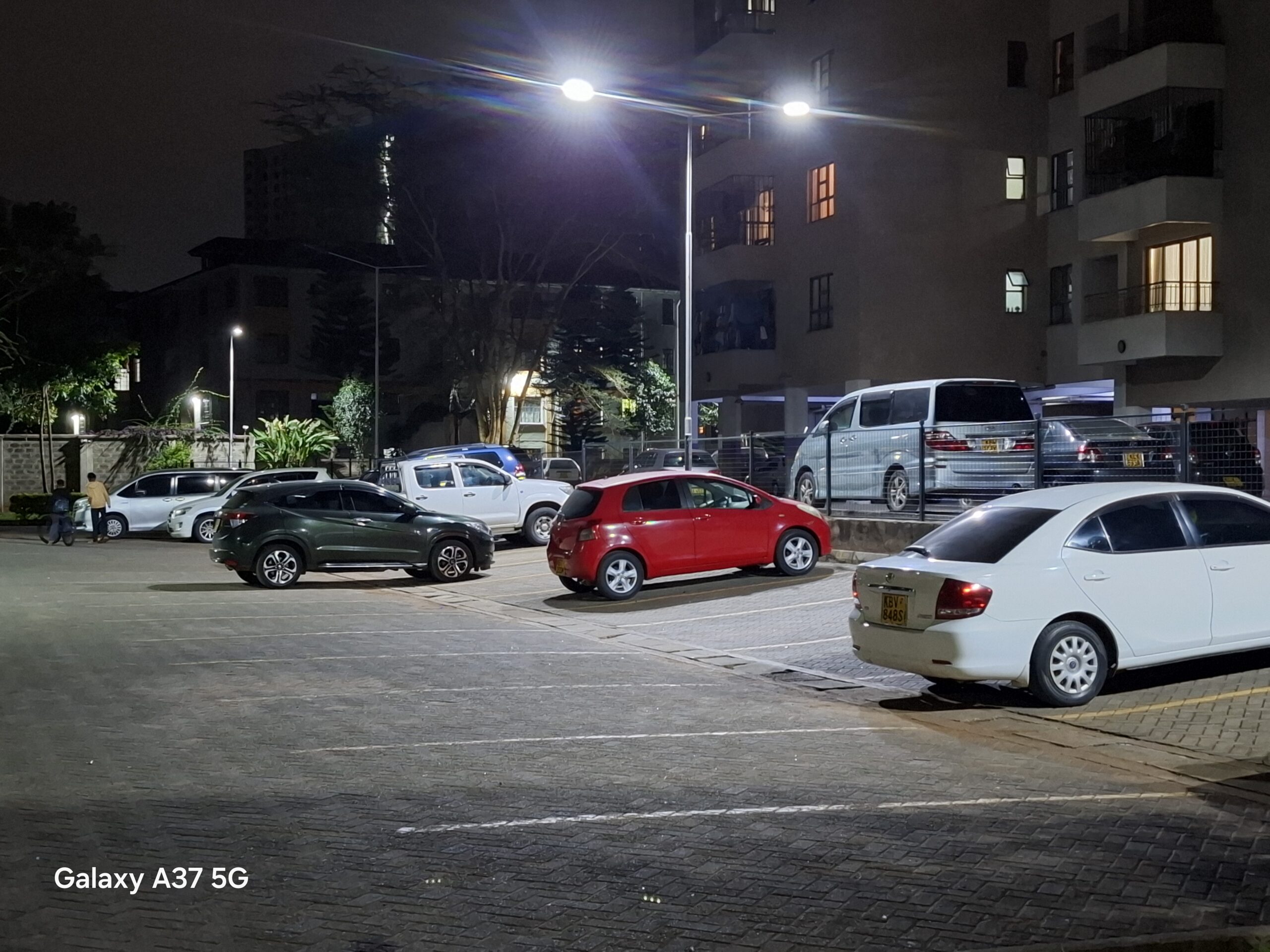
The Galaxy A37 captures and processes these multiple frames to dramatically improve overall image quality. The phone works to reduce image noise, improve detail retention and balance highlights from street lamps, signboards, and other light sources that can often overwhelm a photo at night. The result is an image that feels cleaner and more natural without looking overly processed.
50MP Main Camera with Larger Pixels
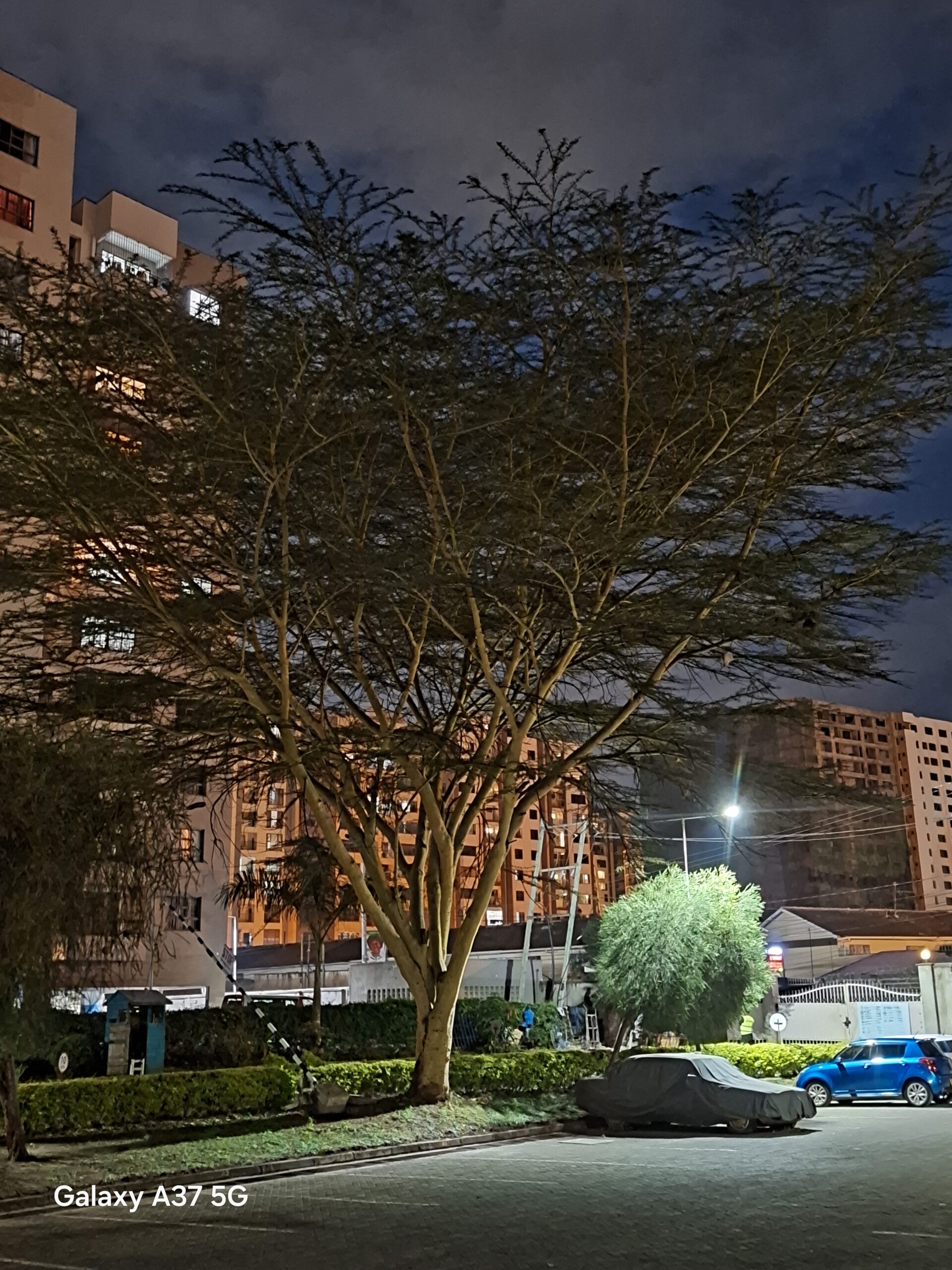
The Galaxy A37 comes equipped with a 50MP primary camera. So what does that actually mean for your photos? These bigger pixels are better at soaking up available light, which means even in dim conditions, the camera can preserve more detail while keeping graininess at bay.
Smarter AI Image Processing
This is where the real wizardry occurs. The A37’s wide camera benefits from an upgraded image signal processor that speeds up processing while cutting down on unwanted noise, giving you sharper details with less smudging in your nighttime shots. Samsung’s AI algorithms work quietly in the background to improve colour accuracy, tone, and texture, making images look more natural by preserving true colours even when lighting is scarce.
Optical Image Stabilisation (OIS)
Let’s face it, our hands aren’t always steady, especially after a long day or when we’re excited to capture a moment. The Galaxy A37 includes Optical Image Stabilisation (OIS), which helps counteract hand movements and vibrations in both photos and videos. This means your shots stay crisp even when you’re moving, whether you’re wandering through a night market or grabbing a quick video at a friend’s birthday bash.
Ready for Social Media Without the Hassle
One thing Samsung has consistently nailed with its camera processing is delivering images that look great straight out of the camera. Most people aren’t interested in spending ages editing photos before posting on social media. The Galaxy A37’s Night Mode helps produce brighter images with well-balanced colours and improved clarity, making them shareable almost instantly.
Video Gets a Low-Light Boost Too
It’s not just about still photos, video recording in dim environments has always been one of the biggest headaches for mid-range phones. Grain becomes more obvious, exposure jumps around, and details tend to vanish once the lights get low. While the Galaxy A37 doesn’t completely fix these issues, Nightography processing helps produce cleaner and more watchable footage compared to what we’d usually expect from devices in this price bracket.
How to Use Night Mode on the Samsung Galaxy A37
It’s really as easy as that! Here’s how to unlock the power of Night Mode:
- Open the Camera app on your Galaxy A37.
- Swipe to More and tap Night.
- When you’re ready, tap Capture to take your photo.
- View the image in your photo gallery.
The Galaxy A37’s Nightography capabilities won’t magically turn every nighttime shot into a masterpiece. But it will help you capture the moment when it happens. Whether you’re at a late-night event in Nairobi, soaking in a sunset along the Mombasa coast, or just hanging out with friends after dark, Night Mode ensures you can actually preserve the memory without the blur, without the noise, and without the hassle.